
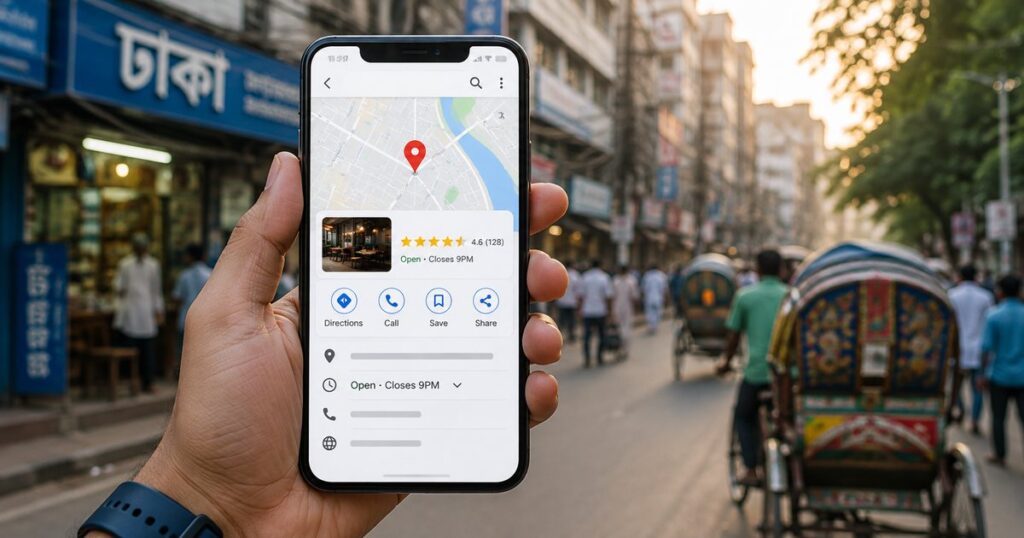
If you run a business in Dhaka and customers can’t find you when they search “near me,” the problem usually isn’t your website — it’s your Google Business Profile (GBP). For local businesses, GBP is often the single highest-impact SEO asset you have, yet it’s the one most owners set up once and never touch again.
This guide walks through exactly how to claim, optimize, and maintain a Google Business Profile that actually drives calls, visits, and customers in 2026 — with specific guidance for the Dhaka market, drawn from hands-on work as an SEO Consultant helping local businesses grow their organic visibility.
Why Google Business Profile Matters More Than Your Website (For Local Search)
When someone searches “SEO consultant near me” or “restaurant in Dhanmondi,” Google typically shows the Local Pack — a map with three business listings — above the regular organic results. This is prime real estate, and it’s driven almost entirely by your GBP, not your website’s on-page SEO.
For full-stack SEO services to work well for a local business, GBP has to be treated as its own optimization project — not an afterthought.
Step 1: Claim and Verify Your Profile
If you haven’t already, go to google.com/business and search for your business name. If it already exists (Google sometimes auto-generates listings from user activity), claim it. If not, create a new one.
Verification in Bangladesh typically happens via: – Phone call or SMS (fastest, when available) – Postcard by mail (Google sends a code to your business address — takes 1-2 weeks) – Video verification (increasingly common for service-area businesses without a physical storefront)
Don’t skip this step or rush it with fake information — an unverified or improperly verified listing can get suspended, which is far more costly to fix later.
Step 2: Choose the Right Categories
Category selection is one of the most underrated ranking factors in local SEO. Google uses your primary category heavily to determine which searches you’re eligible to appear for.
Primary category: Choose the single most accurate description of your core business (e.g., “SEO Agency” rather than the broader “Marketing Agency” if that’s genuinely your focus).
Secondary categories: Add every additional category that genuinely applies — up to Google’s limit. More accurate categories mean more search queries you’re eligible to appear in.
Common mistake: Choosing an overly broad category to “catch more searches.” This often backfires — Google’s algorithm and users both prefer specificity, and an overly broad category can dilute your relevance signal for the searches that actually matter to your business.
Step 3: Write a Complete, Keyword-Aware Business Description
Your GBP description (750 characters) should clearly explain what you do, who you serve, and where — without keyword stuffing. A good structure:
- What you do (1-2 sentences)
- Who you serve / your specialty (1-2 sentences)
- Where you operate (mention Dhaka and any specific areas)
- A subtle call to action
Avoid repeating your business name and city more than once or twice — Google’s guidelines explicitly discourage keyword-stuffed descriptions, and it can look spammy to potential customers too.
Step 4: Add Complete, Accurate NAP Data
NAP — Name, Address, Phone — needs to be 100% consistent across your GBP, website, and every other place your business is listed online (directories, social profiles, citations). Inconsistent NAP data is one of the most common local SEO issues, and it actively confuses Google’s confidence in your business’s legitimacy.
Double-check: – Business name matches exactly (no extra keywords stuffed into your name field — this violates Google’s guidelines and risks suspension) – Address format is consistent (e.g., always “Road-04” vs. sometimes “Rd 4”) – Phone number matches your website exactly, including country code formatting
Step 5: Upload High-Quality Photos (and Keep Adding Them)
Listings with more photos consistently get more engagement — profile visits, direction requests, and calls. Add: – Logo and cover photo (crisp, properly sized) – Interior/exterior shots if you have a physical location – Team photos — humanizes the business, builds trust – Work/product photos — show what you actually do – Photos with people, when possible — these tend to outperform empty product/interior shots for engagement
Upload new photos periodically rather than all at once — an actively maintained profile signals to Google (and customers) that the business is genuinely active.
Step 6: Use Google Posts Regularly
Google Posts let you share updates, offers, and content directly on your GBP listing — similar to a mini social media feed that appears right in search results. Posting regularly (weekly, ideally) signals activity to Google and gives potential customers a reason to engage before ever clicking through to your website.
Good post types: – Recent blog content (cross-promote your own articles) – Special offers or seasonal promotions – Updates about your services – Client wins or case studies (with permission)
Step 7: Actively Manage Reviews
Reviews are one of the strongest local ranking factors — and one of the strongest trust signals for potential customers deciding between you and a competitor.
Getting reviews: – Ask satisfied clients directly, ideally right after a successful project or delivery – Make it easy — share your direct GBP review link rather than asking people to search for you – Never buy fake reviews — Google actively detects and penalizes this, and it can get your listing suspended entirely
Responding to reviews: – Respond to every review, positive or negative, within a few days – For negative reviews, stay professional, acknowledge the concern, and take specifics offline (share a contact method rather than debating in public) – Responding signals to Google that you actively manage your business presence — and it matters enormously to future customers reading your reviews
Step 8: Use the Q&A Section Proactively
Anyone can ask (and answer) questions on your GBP listing — including people with no connection to your business. Don’t leave this section empty or, worse, let inaccurate answers from strangers sit unaddressed.
Proactively seed your own FAQ: ask (and answer, as the business owner) the 5-10 questions customers most commonly have. This gives you control over the narrative and gives Google more structured, relevant content tied to your listing.
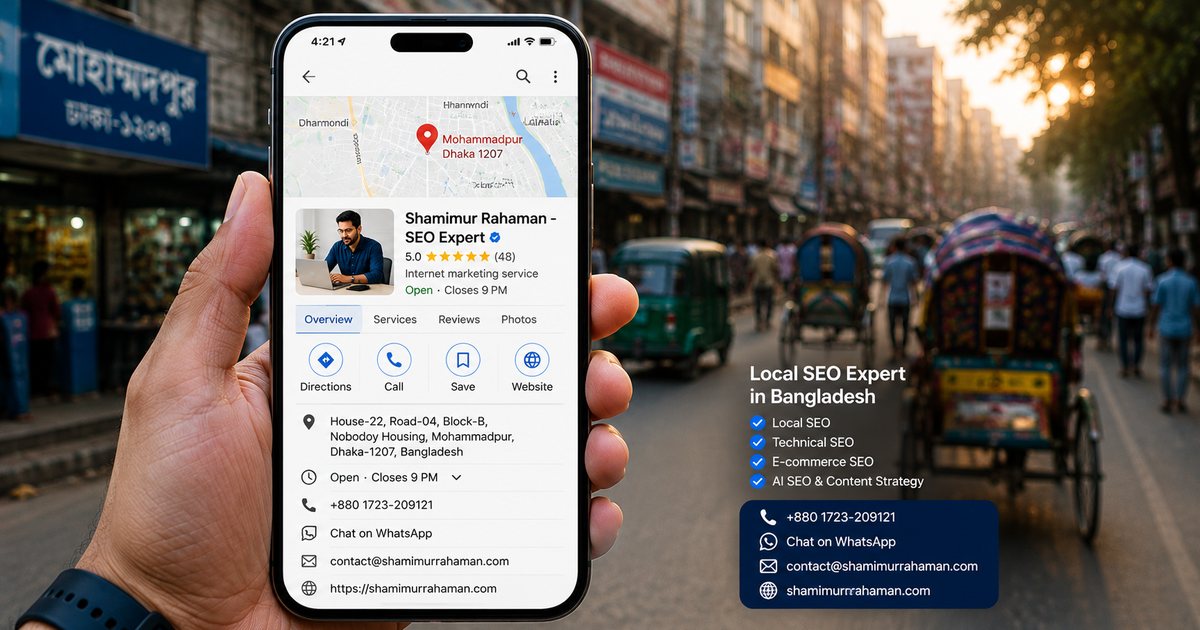
Common Mistakes Dhaka Businesses Make
Inconsistent hours. Nothing frustrates a customer (or Google’s trust algorithm) faster than a listing showing “Open” when a business is actually closed. Update hours for holidays and special occasions — Eid, national holidays, and other observances are especially important to keep current for Dhaka-based listings.
Ignoring the messaging feature. GBP allows direct messaging from the listing. If enabled but unmonitored, this creates a bad experience for customers reaching out and expecting a response.
Treating GBP as “set and forget.” The businesses that win local search treat GBP as an ongoing channel — regular posts, fresh photos, timely review responses — not a one-time setup task.
Duplicate or fake listings. Some businesses accidentally end up with multiple listings (often from an old address or a previous owner). Duplicate listings split your review count and confuse Google’s ranking signals — search your business name carefully and request removal of any duplicates through Google’s support tools.
A Local Case Study Approach
If you’re optimizing GBP for a Dhaka business, a useful benchmark is comparing your completeness score against your top 3 local competitors. Search your primary category + area (e.g., “SEO consultant Dhanmondi”) and note: – How many photos do the top 3 listings have? – How many reviews, and what’s their average rating? – How complete is their business description and Q&A section? – Are they using Google Posts actively?
Matching or exceeding these benchmarks across every category is often enough to meaningfully shift your Local Pack position within a few months.
FAQ
How long does it take for GBP changes to reflect in rankings?
Most changes (photos, posts, description updates) reflect within days. Ranking movement from cumulative improvements — reviews, consistent activity, category accuracy — typically shows within 4-8 weeks.
Can I have a GBP listing without a physical storefront?
Yes — service-area businesses can set up a profile without displaying a public address, as long as you accurately define your service area and verify through Google’s supported methods for service-area businesses.
How many reviews do I need to rank well locally?
There’s no fixed number, but review count and rating relative to your direct local competitors matters more than any absolute threshold. Focus on steadily outpacing your closest competitors rather than hitting an arbitrary number.
Should I respond to negative reviews publicly?
Yes, always — professionally and briefly, acknowledging the concern and offering to resolve it through a direct contact method. An unanswered negative review looks worse to future customers than a negative review with a thoughtful response.
What’s the biggest GBP mistake to avoid?
Keyword-stuffing your business name field (e.g., “ABC Company – Best SEO Expert Dhaka”). This directly violates Google’s guidelines and is one of the fastest ways to get a listing suspended.
Need help auditing or optimizing your Google Business Profile? Get in touch for a free consultation, or read our guide on AI Overviews and Answer Engine Optimization to see how local and AI search are connecting in 2026.
